Premium launch feature
Tocal: A Mac Menu Bar App for Todos, Clipboard History, and Focus
Tocal is a Mac menu bar app that combines a todo list, clipboard history, and focus timer behind one icon, with local storage and a one-time price.
By ShipX ·
Introduction
Tocal is a Mac menu bar app that brings together three small but frequently used tools: a todo list, a clipboard history, and a focus timer. Created by Suhail Roushan, it is designed for Mac users who want quick, keyboard-driven access to these utilities without switching apps or losing their train of thought.
The app sits behind a single icon in the menu bar and can be opened with a keyboard shortcut from any application. The idea is to let you jot down a task, retrieve something you copied earlier, or start a focused work session without leaving what you were doing. Everything is stored locally on your Mac, and no account is required.
Tocal is available as a one-time purchase for macOS 14 or later, priced at ₹499, and includes all future updates. In a category often dominated by subscription-based productivity suites, Tocal's approach is notably self-contained and lightweight.
This feature takes a closer look at what Tocal does, the problem it addresses, and how Mac users might fit it into their daily workflows.
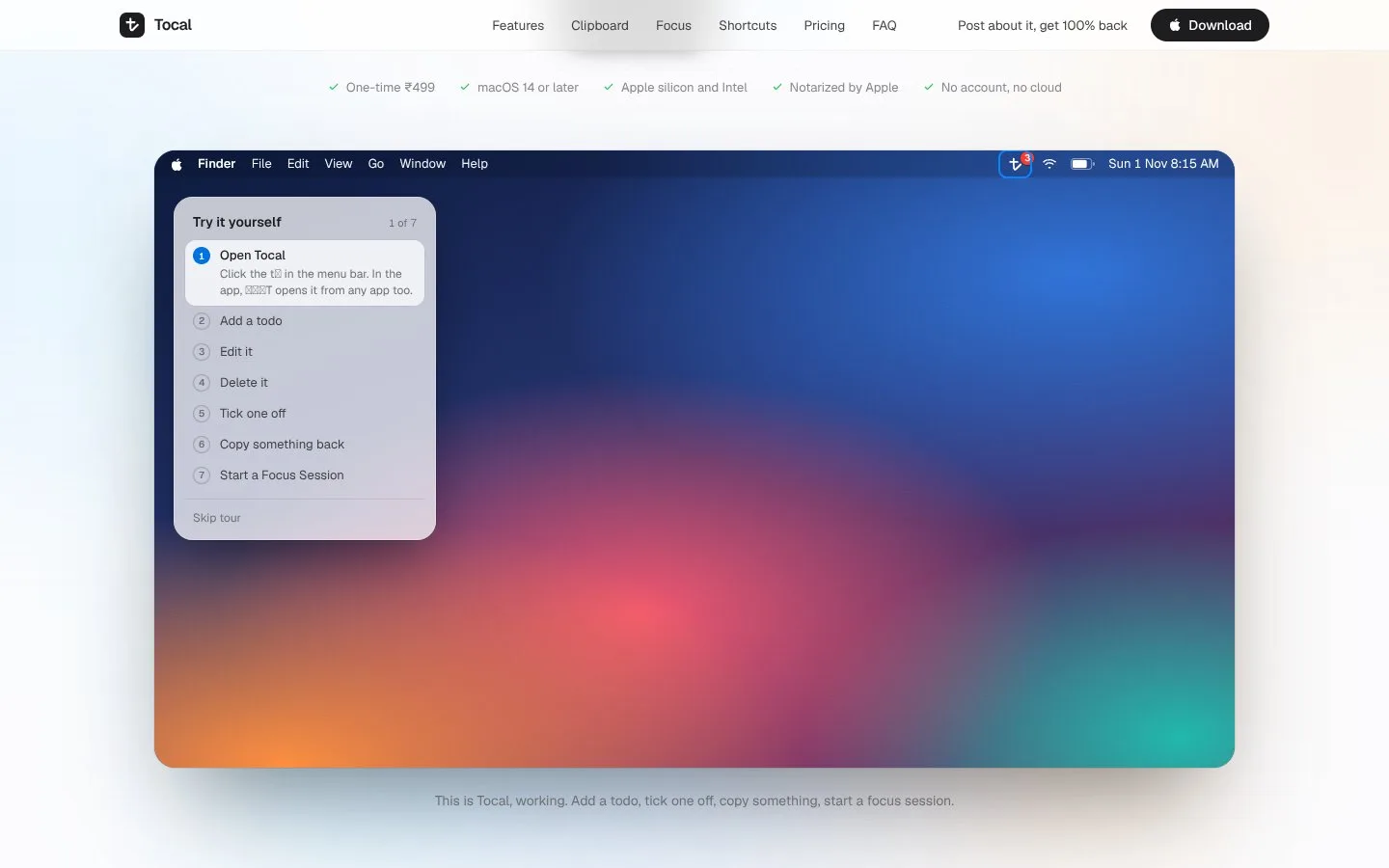
The Problem: Scattered Tools Break Focus
For many Mac users, the small tasks that punctuate a workday are scattered across separate applications. A todo list might live in a dedicated app, clipboard history in another utility, and a focus timer in yet another—or perhaps none at all. Each switch between these tools carries a cost in attention and momentum.
When you need to capture a quick task, the last thing you want is to navigate away from your current window, find the right app, and wait for it to load. Similarly, retrieving something you copied earlier often means digging through old documents or repeating the copy operation because the clipboard only holds one item at a time.
Focus timers add another layer. Starting a timed work session typically involves opening a separate app, setting a duration, and sometimes manually enabling Do Not Disturb. These friction points make it less likely that people will use these tools consistently, even though each one addresses a genuine need.
The underlying issue is fragmentation. When tools are spread across different interfaces and contexts, they interrupt rather than support the flow of work. Tocal aims to reduce that fragmentation by putting the essentials in one place, accessible from anywhere on the Mac.
The Solution: One Menu Bar Icon, Three Tools
Tocal solves the fragmentation problem by combining a todo list, a clipboard history, and a focus timer behind a single menu bar icon. A keyboard shortcut opens Tocal from any app, so you can interact with it without switching contexts. The app is built to be quick: type what needs doing, press Return, and you are back to your work.
The clipboard history goes beyond the system clipboard by keeping everything you copy—text, links, code, images, and files—along with when and where you copied it. Nothing is deleted automatically, and you can search across the entire history, preview an item, and copy it back with one click. Notably, the app skips password-manager entries, a thoughtful touch for security.
The focus timer starts a countdown that replaces Tocal in the menu bar, turns on Do Not Disturb through Shortcuts, and chimes when the session is done. This automated integration means you can begin a focused period with minimal setup and without manually toggling system settings.
All of this runs locally in a sandboxed folder on your Mac, with export to a single JSON file. There is no account, no cloud sync, and no subscription. Tocal is a one-time purchase, which aligns with its self-contained design.
Key Features: Todos, Clipboard History, and Focus Timer
The todo list in Tocal is designed for speed. You can open the app via keyboard shortcut, type a task, and press Return to save it—all without leaving your current application. This makes it easy to capture tasks as they come up, reducing the chance that something gets forgotten. The list is stored locally, so it is available offline and private to your Mac.
The clipboard history is a standout feature. It records all copied content—text, links, code, images, and files—along with metadata about when and where it was copied. You can search this history, preview items before pasting, and copy any item back to the clipboard with a single click. Because entries are never automatically deleted, you can build a searchable archive of your copied material. The app also skips password-manager entries, which helps prevent sensitive data from being stored inadvertently.
The focus timer integrates with macOS Shortcuts to turn on Do Not Disturb when a session starts. The countdown replaces Tocal in the menu bar, providing a visible reminder of the remaining time, and a chime signals the end of the session. This tight integration means you can start a focused block without manually adjusting system settings.
Underneath, Tocal stores todos and clipboard history in a sandboxed folder on your Mac, and you can export everything to a single JSON file. This gives you control over your data and a way to back up or migrate your information. No account is needed, and there is no cloud component, which simplifies privacy and reduces dependence on external services.
Tocal is a one-time purchase of ₹499 for macOS 14 or later, and it includes all future updates. There are no recurring fees, which is a deliberate choice for a utility app that aims to be always available without ongoing cost.
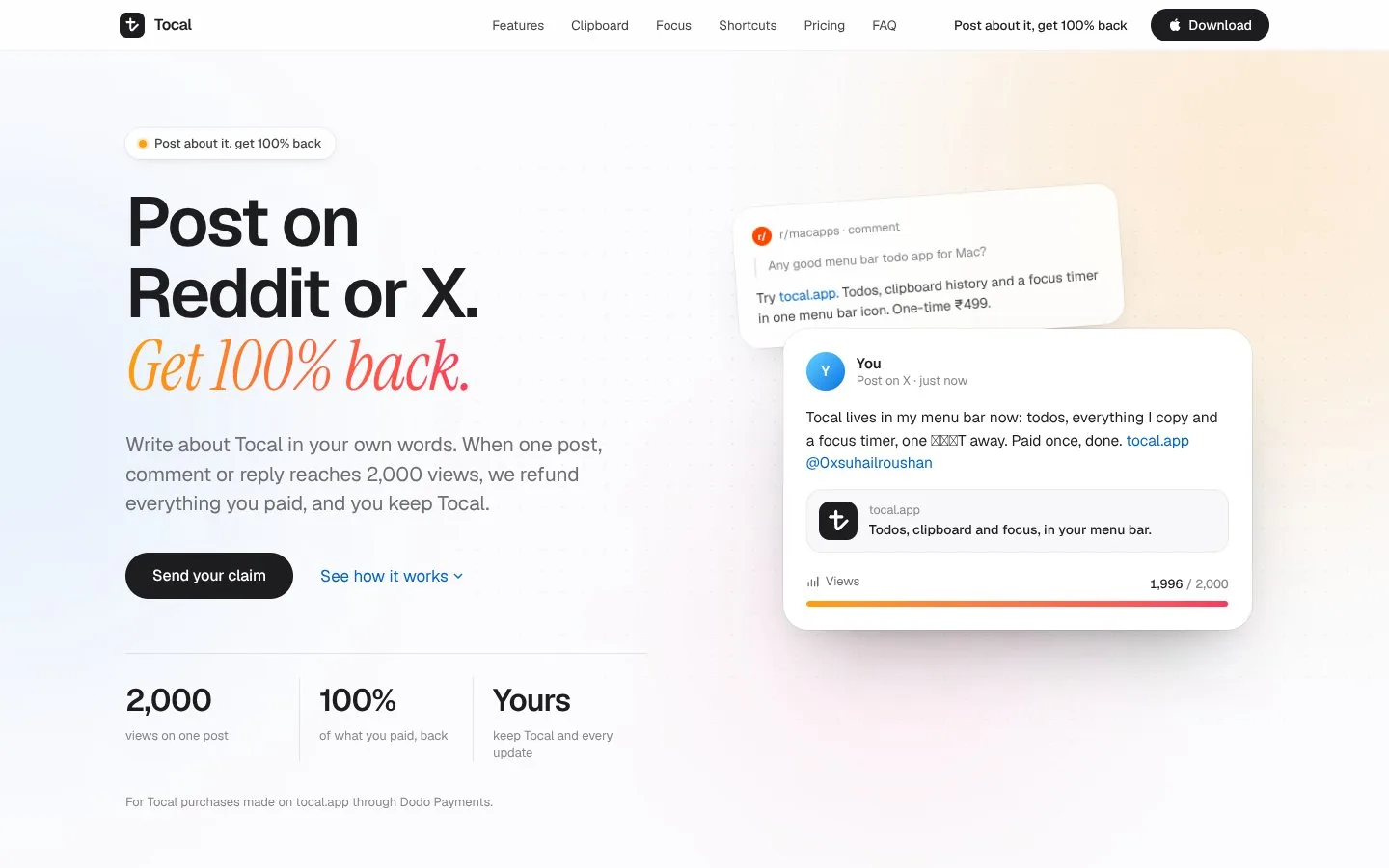
How It Works: Keyboard-First and Local
Tocal operates primarily through a global keyboard shortcut. Once invoked, the app appears as a small window or overlay, allowing you to interact with any of its three tools. The design is keyboard-centric: you can type a task and press Return to add it, search your clipboard history, or start a focus timer without reaching for the mouse.
The clipboard history works by continuously monitoring the system clipboard. When you copy something, Tocal records it along with a timestamp and the source application. The history is stored locally and can be searched by keyword. Previewing an item shows its content, and clicking it copies it back to the clipboard for pasting elsewhere. The app explicitly skips entries from password managers, which is a security-conscious behavior.
The focus timer is initiated from within Tocal. When you start a session, the app uses Shortcuts to enable Do Not Disturb and then displays a countdown in the menu bar in place of its usual icon. When the timer ends, a chime plays and the normal icon returns. This automation reduces the steps needed to enter a focused state.
All data—todos and clipboard history—is stored in a sandboxed folder on your Mac, which means it is protected by macOS's app sandboxing. You can export the data to a JSON file at any time, providing a portable backup. The app does not require an internet connection for its core functions, and there is no account creation or login.
Who It's For: Mac Users Who Value Speed and Privacy
Tocal is aimed at Mac users who want a quick, keyboard-driven way to manage tasks, clipboard history, and focus sessions without leaving their current work. This includes developers, writers, designers, and anyone who spends long stretches at their Mac and wants to minimize context switching.
For developers, the clipboard history is particularly useful for storing code snippets, links, and file paths. The ability to search and retrieve previously copied items can save time and reduce repetitive copying. The focus timer can help structure deep work sessions, and the todo list can capture small tasks that arise during coding.
Writers and researchers may appreciate the clipboard history for gathering quotes, references, and links, and the todo list for tracking article ideas or interview follow-ups. The focus timer can aid in timed writing sprints. Because everything is local and private, it suits those who handle sensitive information and prefer not to use cloud-based tools.
General Mac users who value simplicity and a one-time purchase will find Tocal appealing. It avoids subscriptions and accounts, and its menu bar presence makes it available without cluttering the dock or requiring a separate window. The app is not designed for team collaboration or complex project management; it is a personal utility for individual productivity.
Use Cases: Practical Workflows for Tocal
Consider a developer who is debugging a complex issue. They copy an error message, a stack trace, and a relevant code snippet from different sources. With Tocal's clipboard history, they can later search for any of these items, preview them, and paste them into a bug report or a message to a colleague. Meanwhile, they use the todo list to note follow-up tasks, and the focus timer to block out 25 minutes of uninterrupted debugging.
A writer working on a long article might copy quotes, statistics, and links from various sources. Tocal's clipboard history keeps all of these accessible, and the search function helps locate a specific quote without scrolling through old documents. The todo list can track sections to write or edits to make, and the focus timer can be used for timed writing sessions, with Do Not Disturb automatically enabled to reduce distractions.
A student or researcher could use Tocal to manage citations and notes. The clipboard history preserves copied references and excerpts, and the todo list helps track assignments and reading tasks. The focus timer supports study intervals, and the local storage ensures that notes and copied material remain private on the student's Mac.
Even for general productivity, Tocal fits into small moments: capturing a task that comes to mind during a meeting, retrieving a copied address or phone number from earlier, or starting a focused block of work without navigating away from the current app. The keyboard shortcut makes these actions quick and unobtrusive.
The Maker Behind Tocal
Tocal is built by Suhail Roushan, a maker with a portfolio of web projects including code.live, biryani.live, problems.live, aivyapaar.com, and beforewemeet.lol. These projects suggest an interest in creating practical, focused tools for specific audiences, often with a live or interactive component.
The diversity of these projects—from code sharing to food to problem solving—indicates a maker who explores different domains and builds solutions for niche needs. Tocal appears to be a natural extension of that approach: a utility that addresses the everyday friction of scattered productivity tools on the Mac.
Roushan's experience with web technologies like Next.js, React, and Vercel, as well as SwiftUI, is reflected in Tocal's native Mac implementation. The app is built with SwiftUI, which aligns with the goal of a seamless, native experience on macOS.
Why It's Worth a Look
Tocal is interesting to watch because it takes a focused approach to a common problem. Rather than trying to be an all-in-one productivity suite, it combines three specific tools that complement each other and are accessed through a single, quick interface. The emphasis on keyboard shortcuts and menu bar presence aligns with how many Mac users prefer to work.
The decision to keep everything local, with no account or cloud, is a deliberate stance on privacy and simplicity. The one-time purchase model, with all future updates included, contrasts with the subscription fatigue that many users feel. The ₹499 price point makes it accessible for individuals.
The integration with macOS Shortcuts for Do Not Disturb shows attention to the platform's capabilities and a desire to reduce friction. The clipboard history's unlimited retention and password-manager skipping are thoughtful details that address real-world concerns.
For Mac users seeking a lightweight, self-contained utility to manage tasks, clipboard history, and focus sessions, Tocal offers a compelling combination. Its success will depend on execution and reliability, but the foundation is solid. It is a product worth keeping an eye on, especially for those who value speed, privacy, and a one-time purchase.
This post was written with AI from the maker’s own ShipX listing and reviewed by the ShipX team before publishing. Facts come from the listing; ShipX hasn’t independently verified them.