Browser extension
This week’s launches, on every new tab.
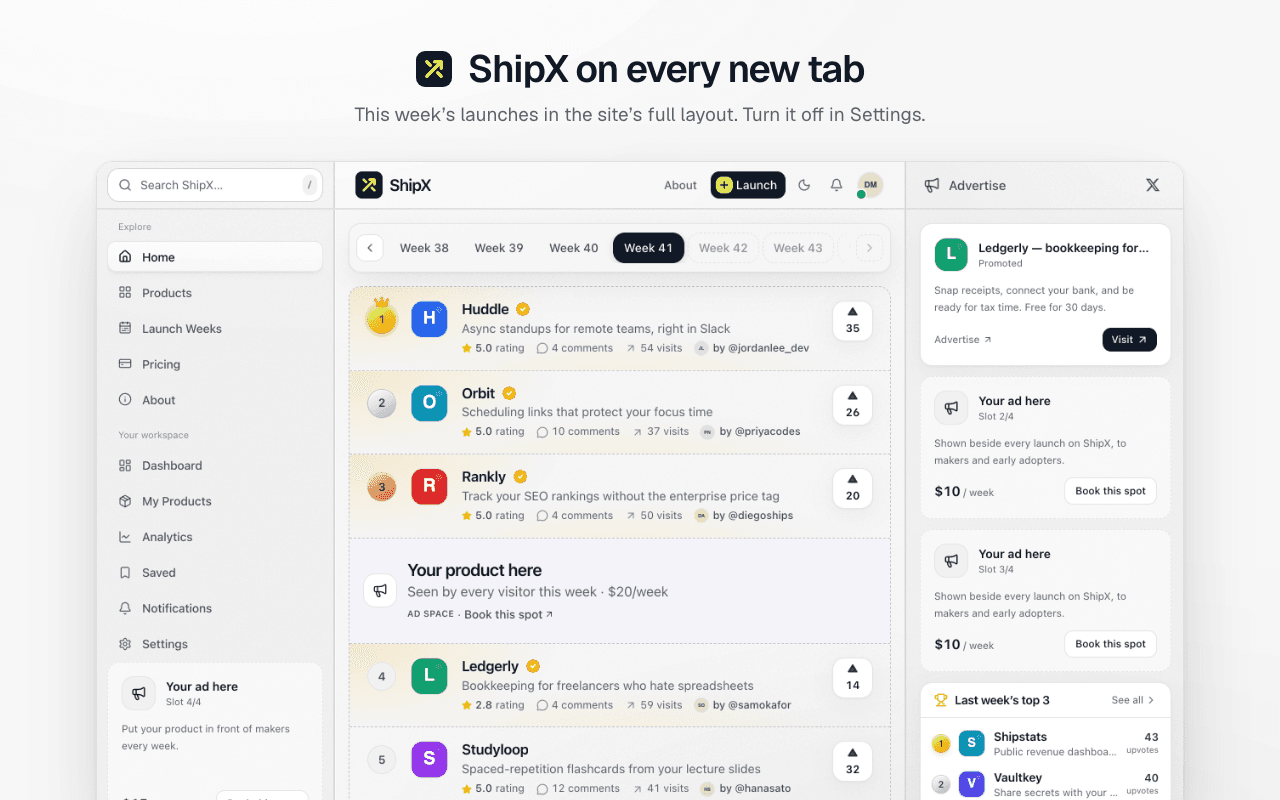
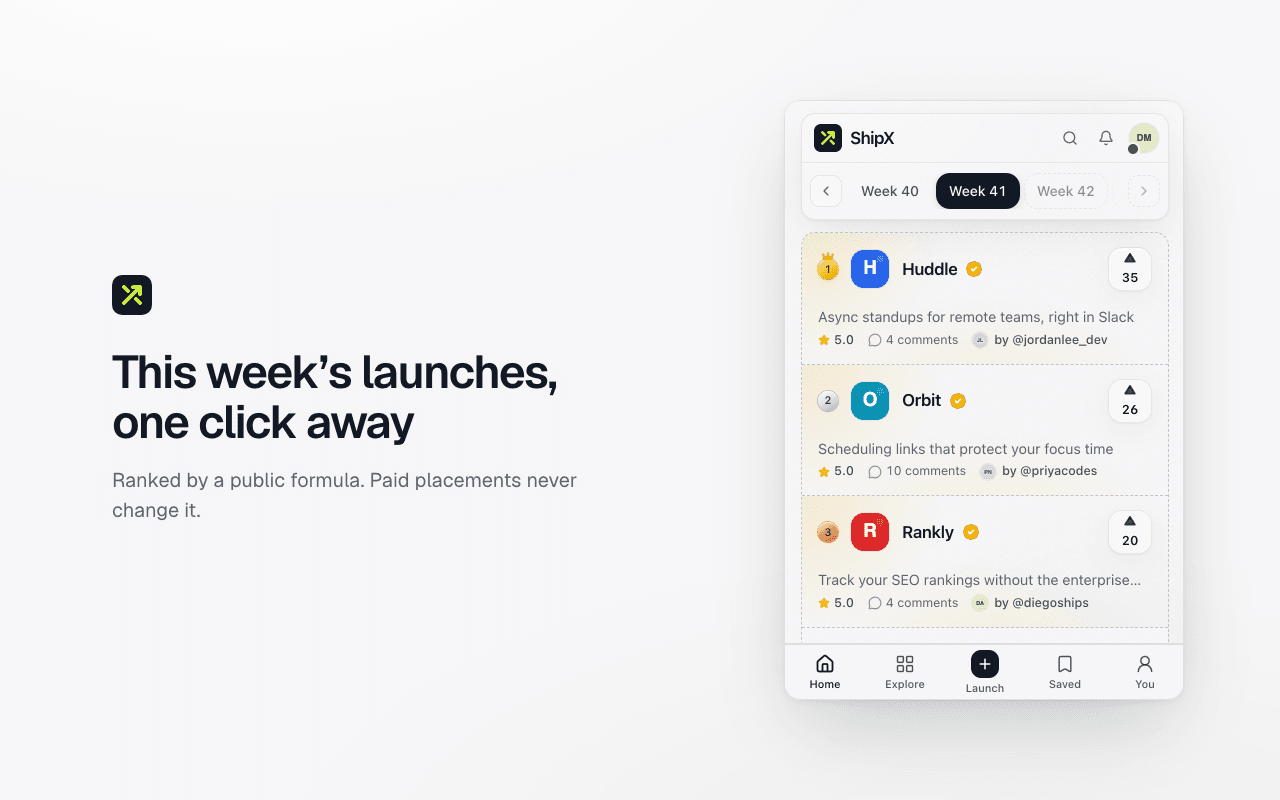
Every new tab opens on the board, and the toolbar button has it a click away. Upvote what you’ve seen and follow the makers. Same rules as the site: a public ranking, Premium launches are listed first and marked, and ads never change a position.
Chrome Web Store: Chrome, Brave, Vivaldi, Arc, Dia
Fast, fair and quiet
On every new tab
Each new tab opens on this week’s board in the site’s full layout. Prefer a blank one? Turn it off in the extension’s settings.
Opens instantly
The board appears the moment you click, from the copy kept on your device, then refreshes quietly. It stays readable offline.
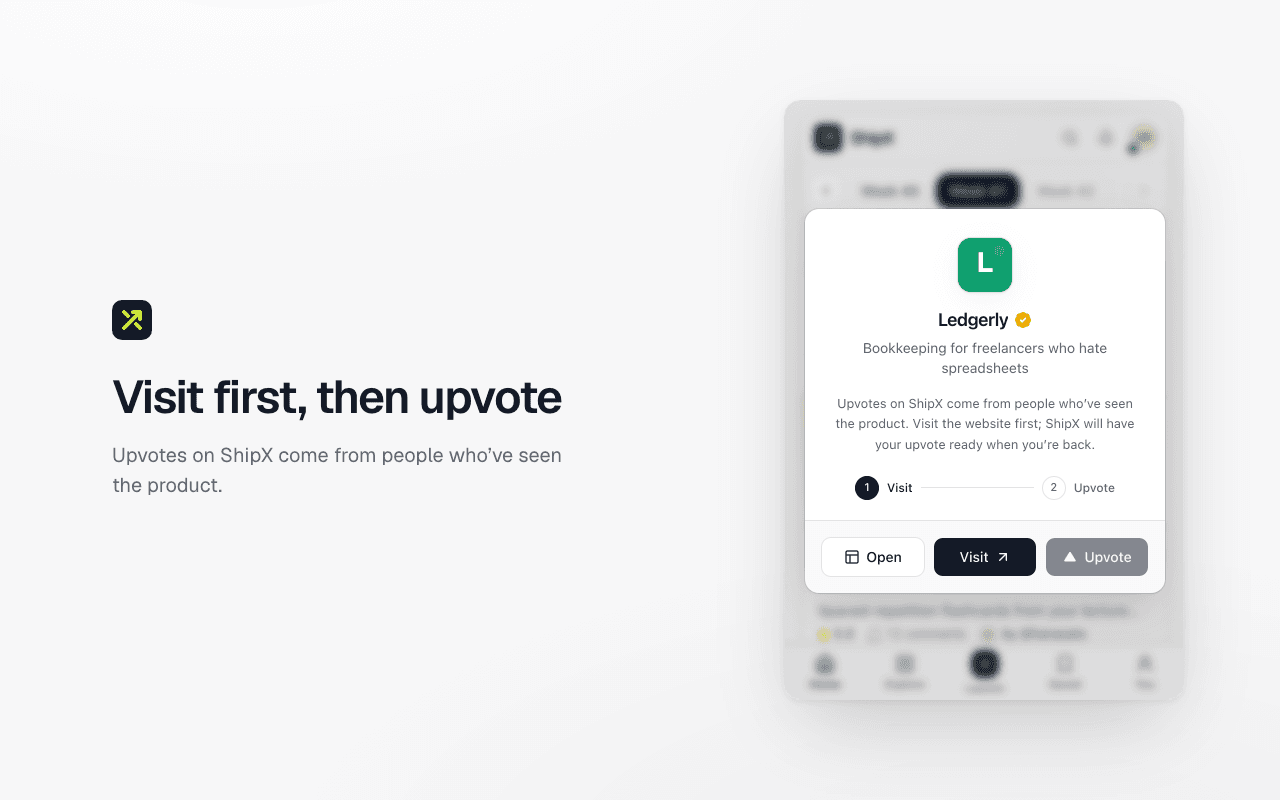
Knows the site you’re on
On a product’s own website, ShipX tells you it launched here and lets you upvote it on the spot. The check runs on your device.
Side panel
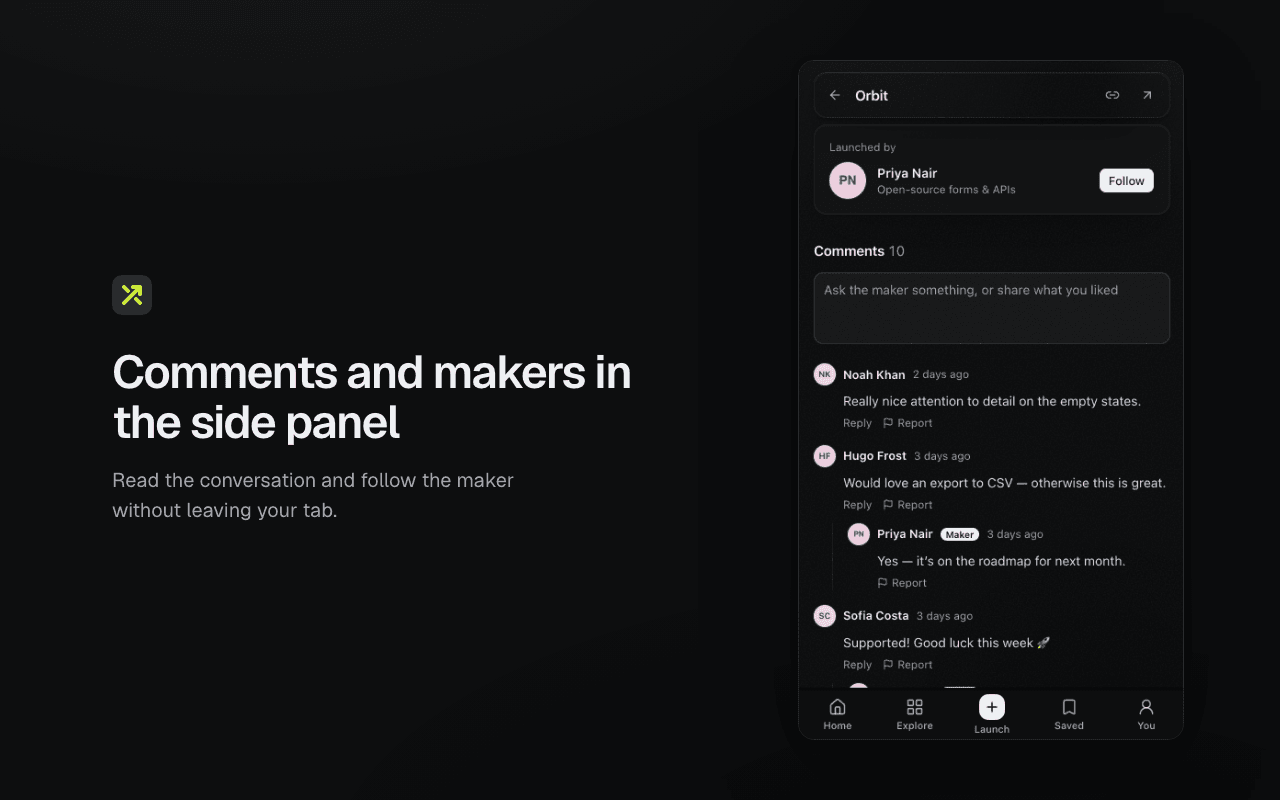
Product pages, comments, makers and search stay open beside whatever you’re reading.
Your launch, live
Makers see their rank and new comments in the toolbar during launch week. Notifications are off until you turn them on.
Keyboard-first
J and K to move, S to upvote, / to search, arrows to change week. Alt+Shift+X opens it anywhere.
Your browsing stays on your device
The extension only talks to shipx.live. It never reads or sends the pages you visit, and it asks for no access to other sites. Details in the privacy policy.
Search from the address bar. Type sx, a space, and what you’re looking for.
Questions
Which browsers does it support?
Chrome, Microsoft Edge, Brave, Opera, Vivaldi, Arc and other Chromium browsers on a computer. Phones don’t run browser extensions; shipx.live works there.
Do I need an account?
No. Browsing works signed out. Sign in to upvote, save, comment and follow makers. The follower rule only applies to launching.
What does it know about my browsing?
Nothing leaves your device. The extension downloads the list of launched websites and checks the open tab against it locally. It only talks to shipx.live, and only to load launches and your account. Read the privacy policy
Can I keep my browser’s own new tab page?
Turn off “ShipX on new tabs” in the extension’s settings and new tabs open blank. Browsers let an extension replace the new tab page but not hand it back, so your browser’s own page returns only if you remove the extension. When the browser asks whether to keep the change, “Change it back” turns the whole extension off.
Can I launch from the extension?
Launching stays on shipx.live, where the form, uploads and email check live. Right-click any page and choose “Launch this site on ShipX” to start with its address filled in.
How do I disconnect it?
Sign out in the extension, or disconnect any browser from Settings → Connected browsers on shipx.live. Open Settings